How to Prepare a CAD File for Jewelry Rendering
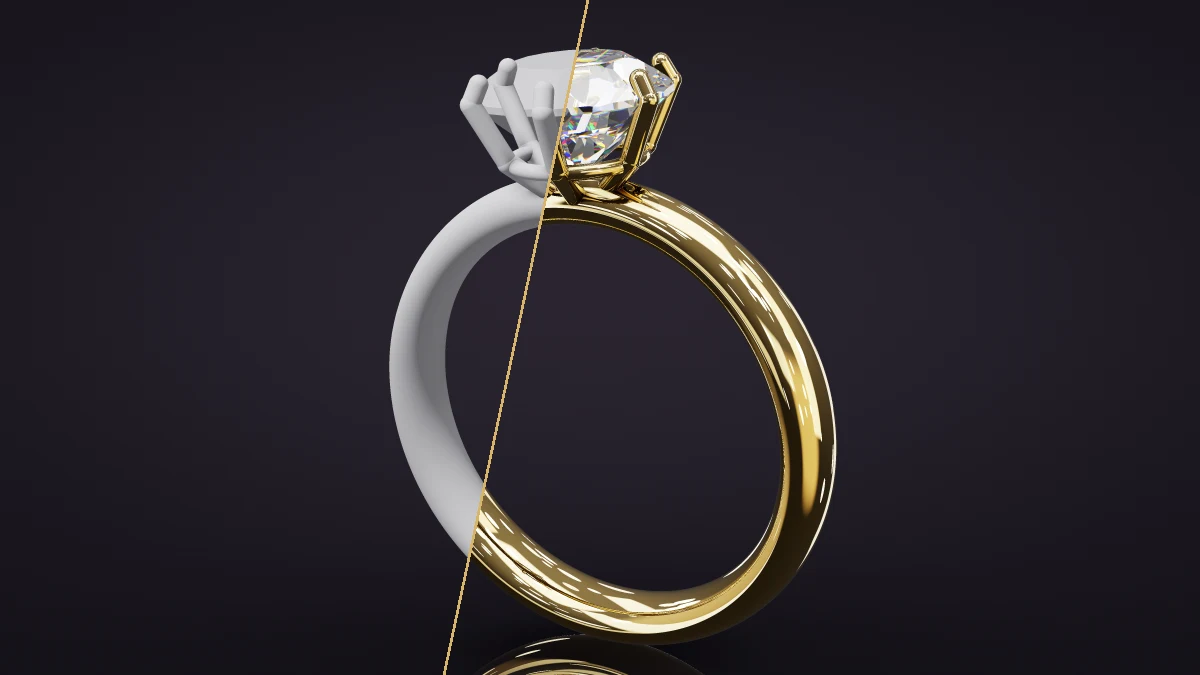
A clean CAD file saves time and avoids revisions. Use this checklist before you send a jewelry design to be rendered.
Choose a suitable file format
| Format | What it holds | Good to know |
|---|---|---|
| 3DM | Rhino surfaces, meshes and layers | A strong choice for designs made in Rhino or MatrixGold |
| STEP | Precise surfaces and solids | Useful for moving work between CAD programs |
| OBJ | Polygon meshes, groups and material names | Set the mesh quality when you export |
| STL | Triangle mesh only | No layers or materials, and no reliable unit information |
1. Use real units and state the size
Model in millimetres at the finished size. State the ring size, chain length or main dimensions in your notes. If your production file is scaled up to allow for casting shrinkage, send the unscaled design.
2. Separate parts by layer
Put each material on its own layer with a clear name, for example metal-yellow, metal-white, center-stone and side-stones. This is essential for two-tone designs. With STL, export one file per material.
3. Include properly modelled stones
Stones should be separate, closed objects with real facets. A placeholder shape will not sparkle. Do not merge stones into the metal, and leave a seat so that stone and metal surfaces do not overlap.
4. Clean the geometry
- Delete duplicate and hidden surfaces. Two surfaces in the same place can cause dark patches.
- Close unintended gaps between joined parts.
- Check that surface normals point outward.
- Remove sprues, supports and construction curves.
5. Export a smooth mesh
Coarse meshes show flat segments on curved bands, especially in close-ups. When exporting STL or OBJ, use a fine tolerance. Around 0.01 mm is a sensible starting point; check the result up close. Add small fillets to hard edges so they catch light naturally.
6. Send a short brief
- Metal type, color, karat and finish
- Stone types and colors
- Background style and the angles you need
- Image dimensions and where the images will be used
- One or two reference images
Quick final check
Open the exported file once more. Confirm the scale is correct, all parts are present, layers are named and nothing extra came along. Then read how gemstones are made to look real in the final image.