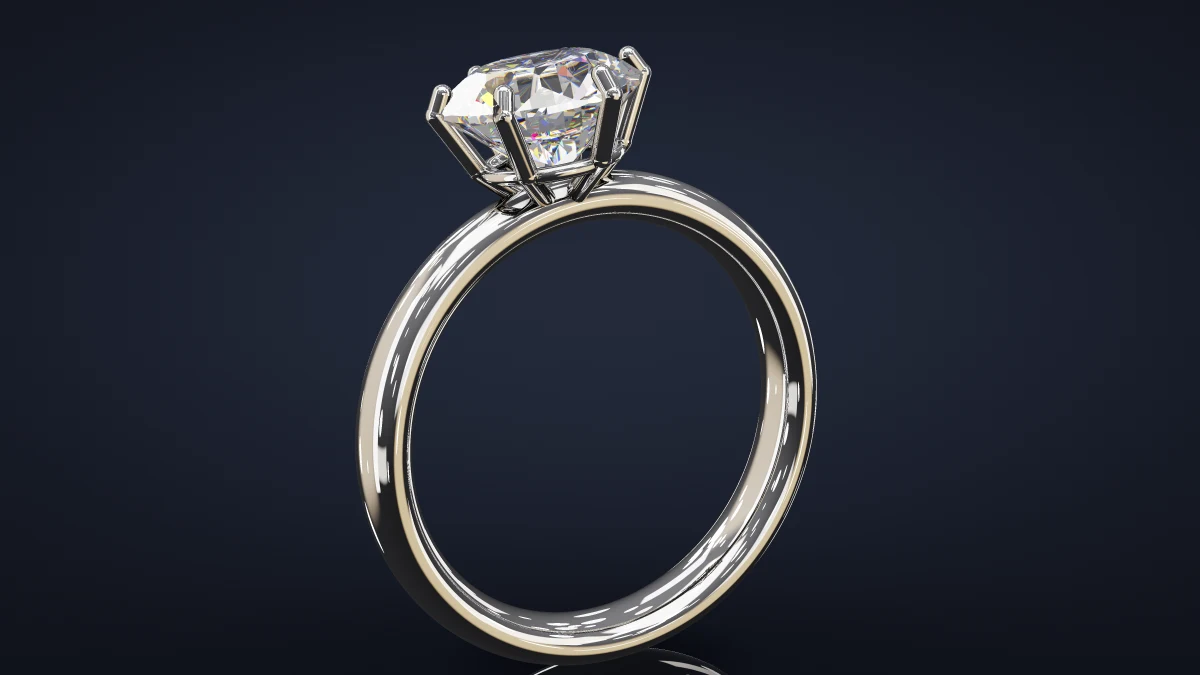
What Is 3D Jewelry Rendering? A Simple Guide
How a digital design becomes a lifelike image, step by step.
Coming soon
See your design shine before it is made. We are preparing a simple way to turn jewelry CAD files into clear, lifelike images and videos.
Email me at launch Read the guides
No forms or sign-up. Just send us a short email.
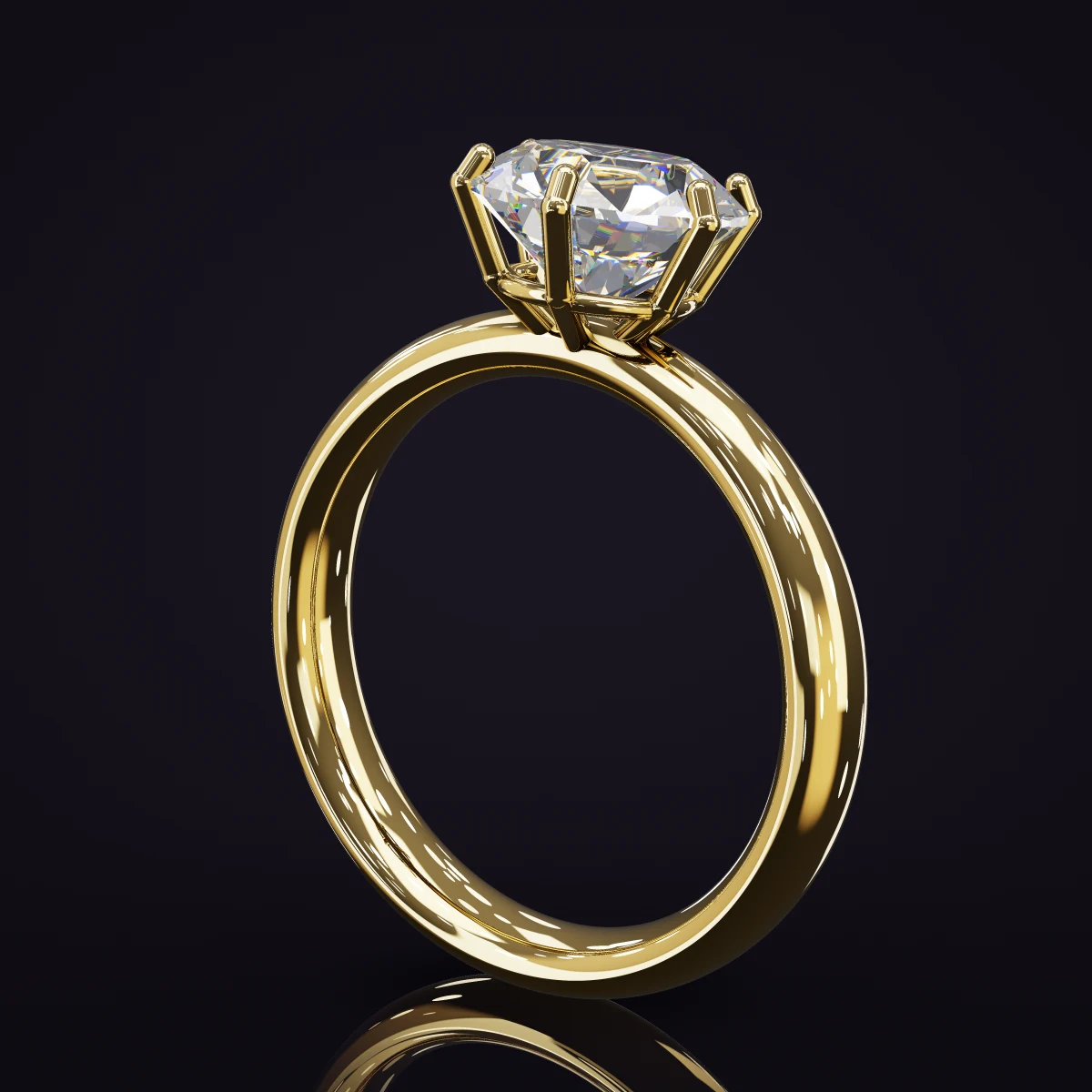
What we are preparing
Made for jewelers, designers, manufacturers and online stores.
Clean views on white or light backgrounds for your store and catalog, with a consistent look across every piece.
Styled scenes with rich lighting for your homepage, advertisements and social media.
Smooth turntable animations that let buyers see a design from every side.
How it will work
Share your CAD file with a few notes about size and style.
Pick metals, gemstones, finish, background and camera angles.
Check your preview, ask for changes and receive the final files.
From the blog
Plain-language help while we get ready to open.
How a digital design becomes a lifelike image, step by step.
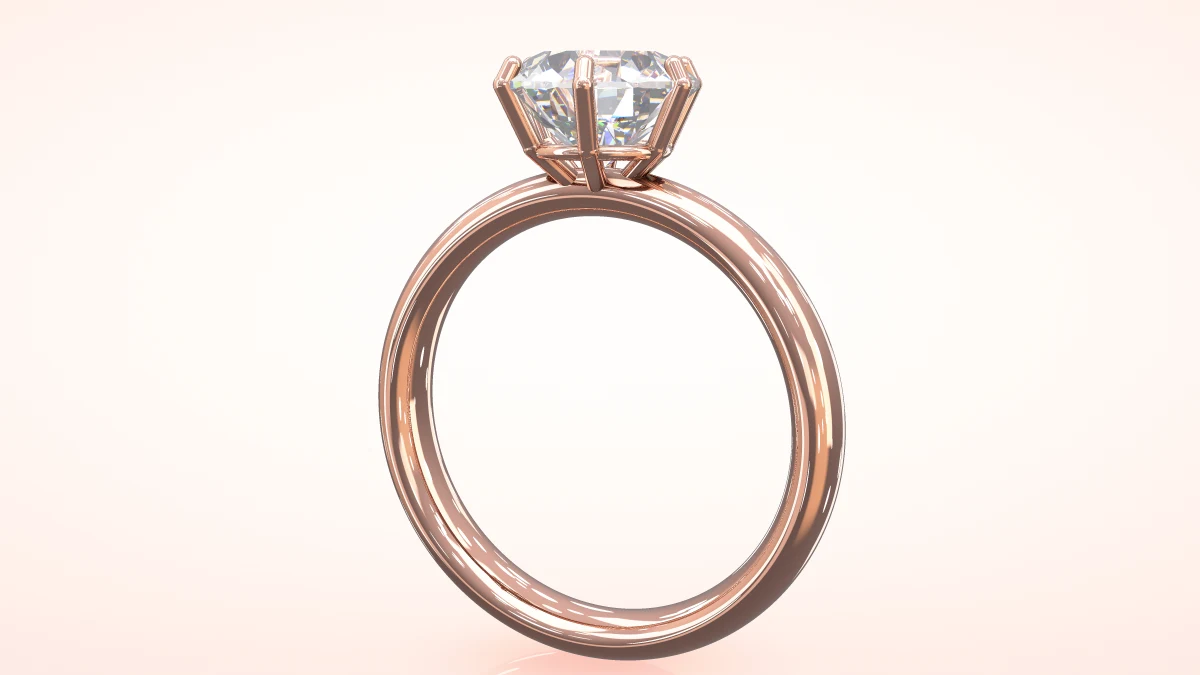
What each method needs, and when to use one, the other or both.
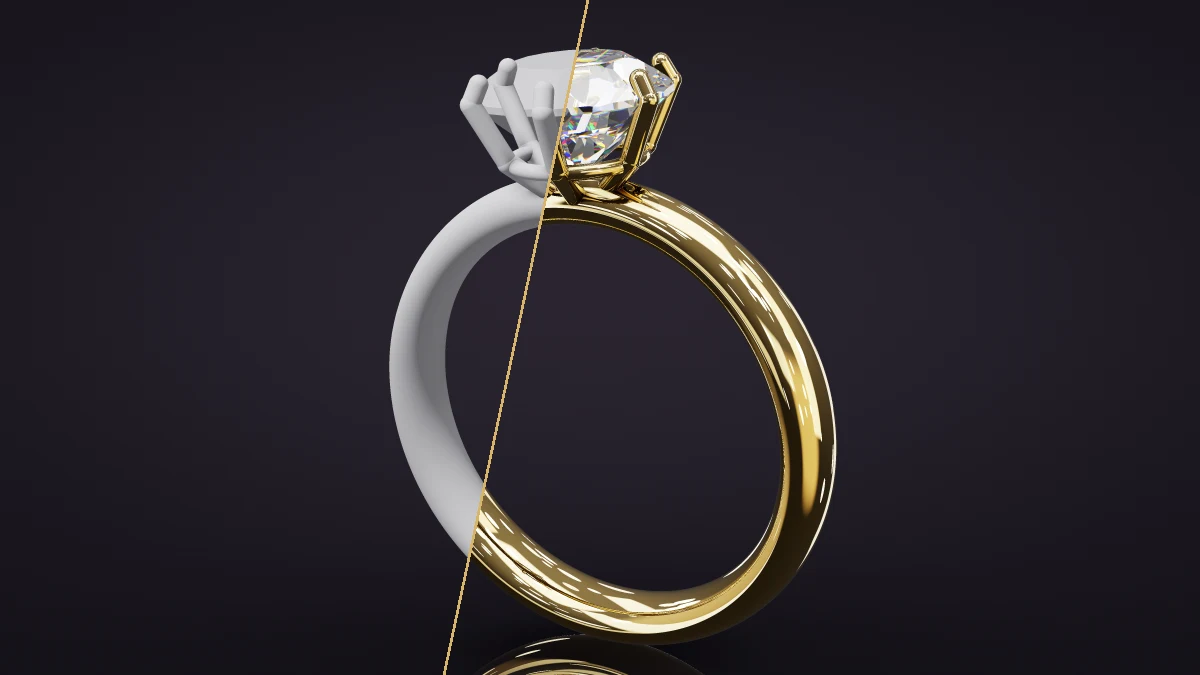
File formats, layers, stones and mesh quality: a practical checklist.
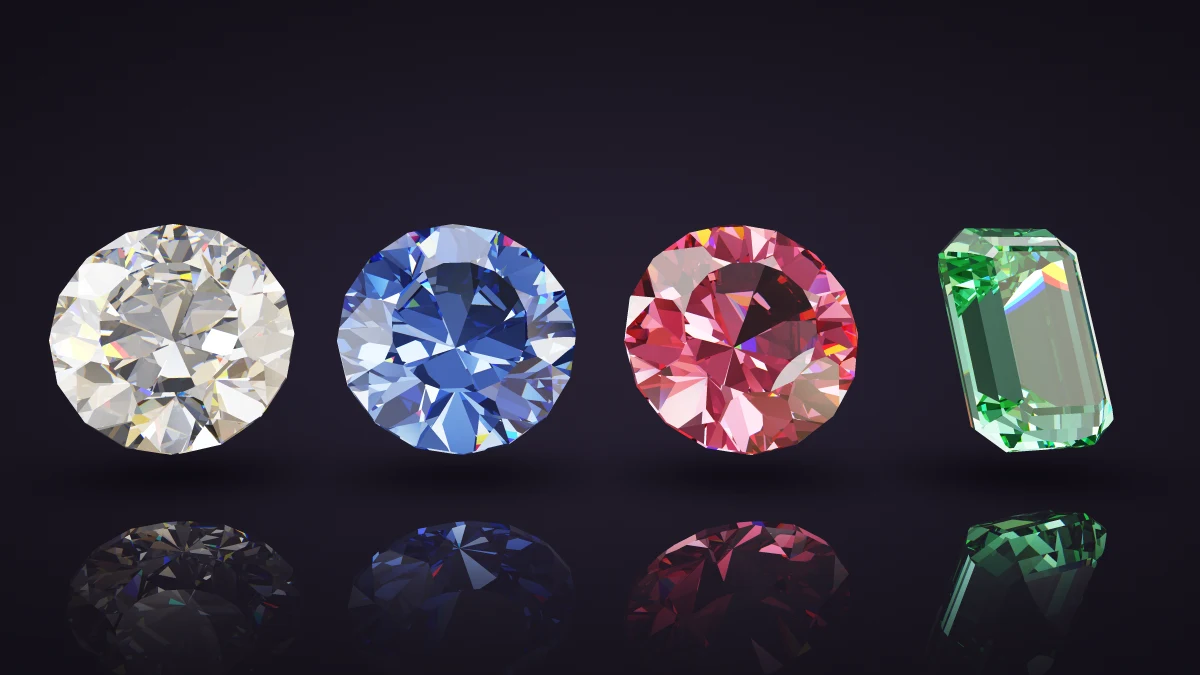
Refractive index, dispersion, lighting and the mistakes to avoid.
Questions
It is a way of creating realistic images and videos of jewelry from a digital 3D model, without photographing a finished piece. Read the simple guide.
We are opening soon. Email us and we will tell you when we are ready.
We plan to work with common CAD formats such as 3DM, STL, OBJ and STEP. The final list will be confirmed at launch.
No. Rendering starts from a digital model, so you can show a design before it is cast.
Pricing will be published at launch. You are welcome to email us with questions about your project.
Send us a short email and we will let you know as soon as Render My Jewel is ready.
Or write to support@rendermyjewel.com